Choose
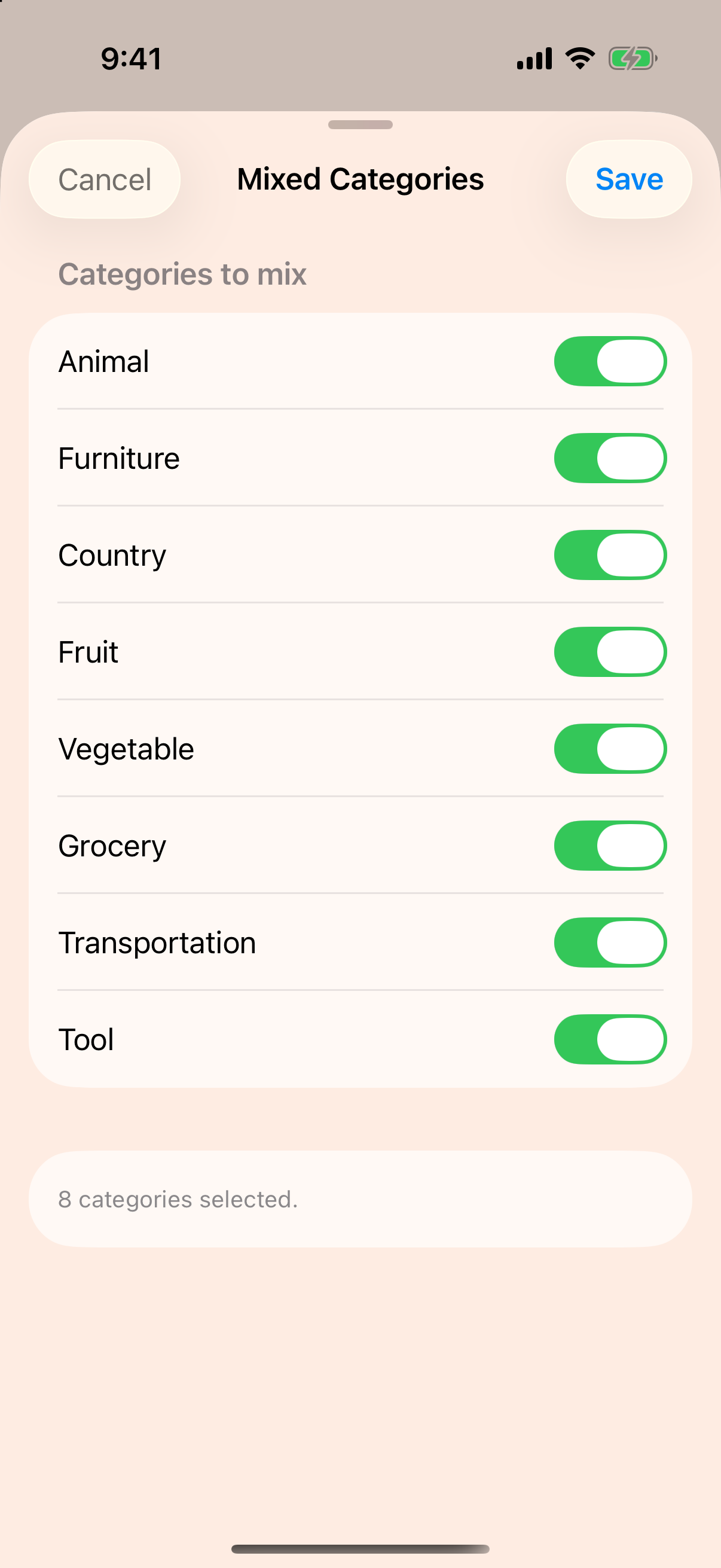
Pick a built-in category, combine several, or open a list you created yourself.
Memory skills you can practice
Learn the Major System, create personal lists, study with an optional countdown, and test your recall with challenges that grow with you.
No account, advertising, or developer data collection.
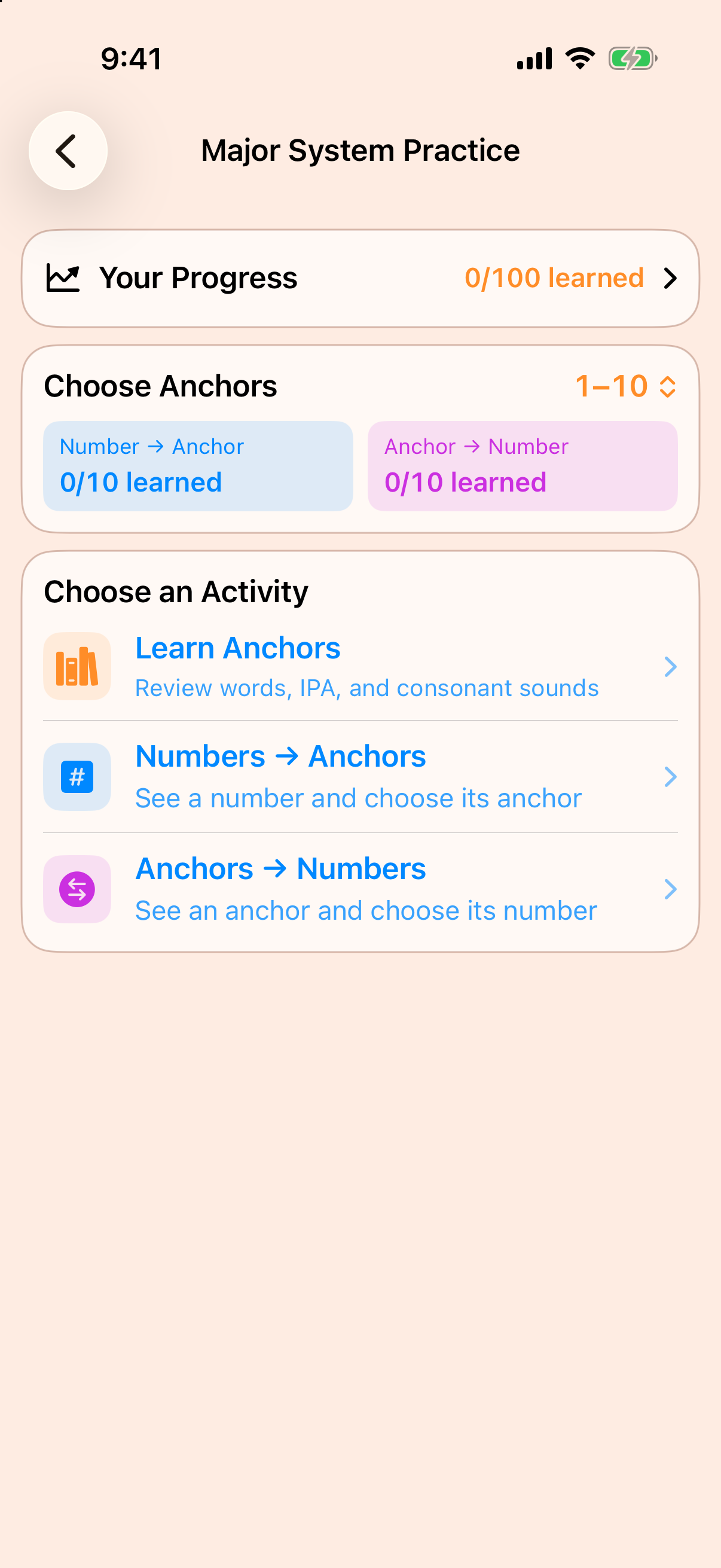
One focused session at a time
Memorize List gives every practice session a simple rhythm, while leaving the challenge in your hands.
Pick a built-in category, combine several, or open a list you created yourself.
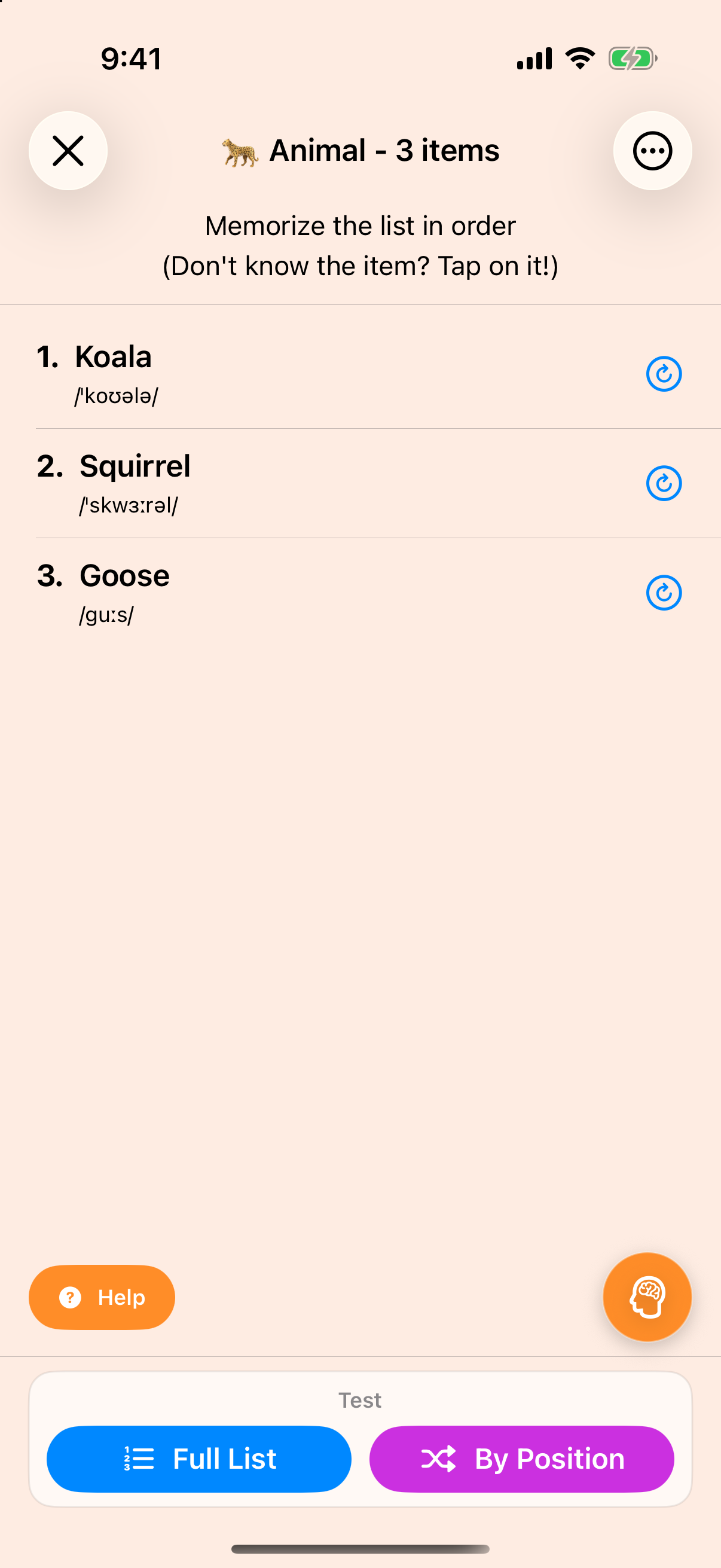
Review items in order at your own pace, or add a countdown for focused practice.
Use Major System anchors and memorable stories to connect items with their positions.
Test the full list or answer by position, then unlock the next challenge.
New in version 2.4
A flexible countdown adds gentle time pressure when you want it, while refreshed transitions and clearer controls keep practice moving.
Choose how much study time you want for each item. Memorize List automatically calculates the full countdown from your current list length.
Study time
1:30 Calculated for your listKeep the timer as a gentle prompt, or require yourself to choose a test mode when study time ends.
Refined layouts, clearer settings, and smoother transitions help you move from studying to testing without distractions.
A list that fits you
Everyone has a different idea of a common word. Preview replacements, swap out unfamiliar items, and mark them as uncommon so future lists better match you.
Make memories stick
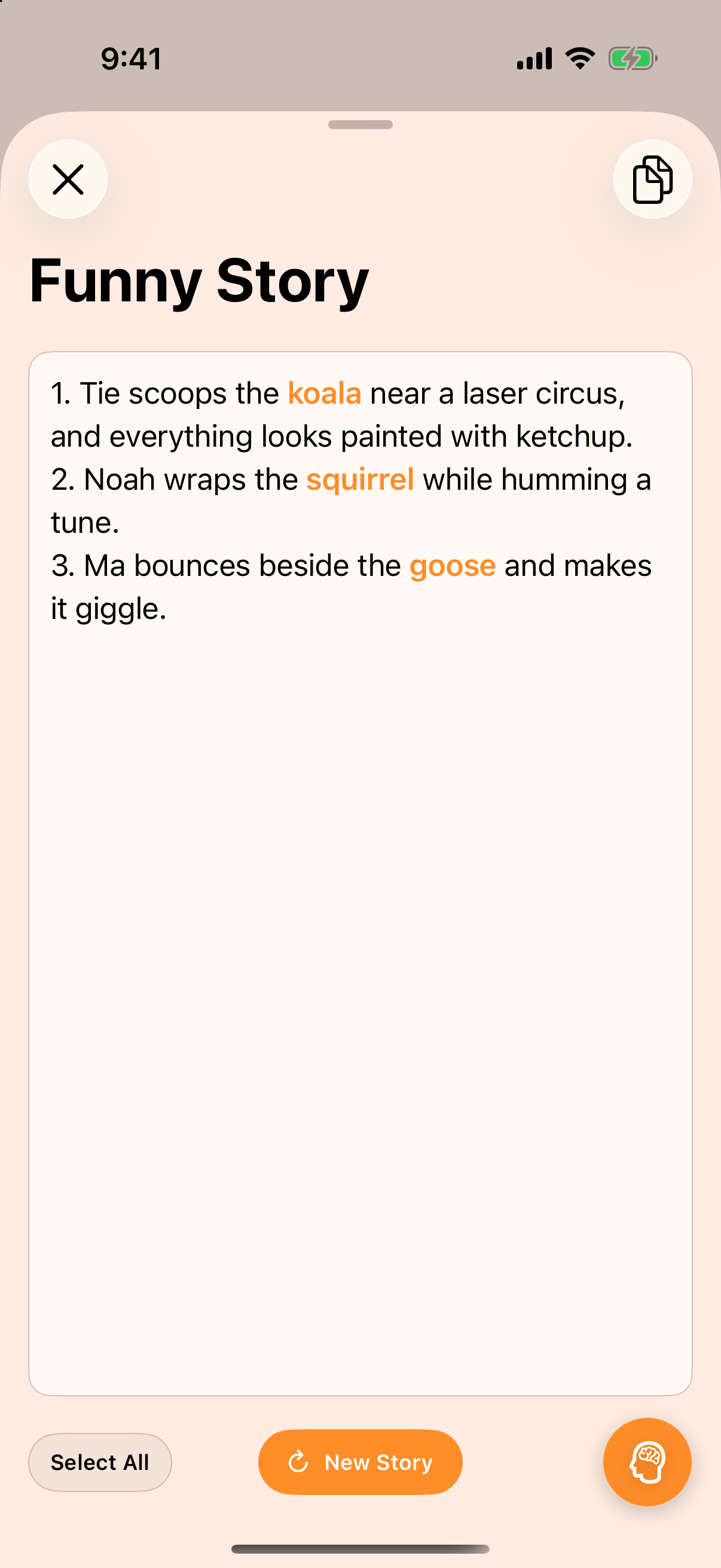
Mnemonic stories pair each list position with a permanent Major System anchor. Open the reference whenever you need it, or copy the list together with its anchors for practice elsewhere.
Recall from every angle
Use Full List mode to reconstruct everything in order, or By Position mode to answer randomized prompts one at a time.
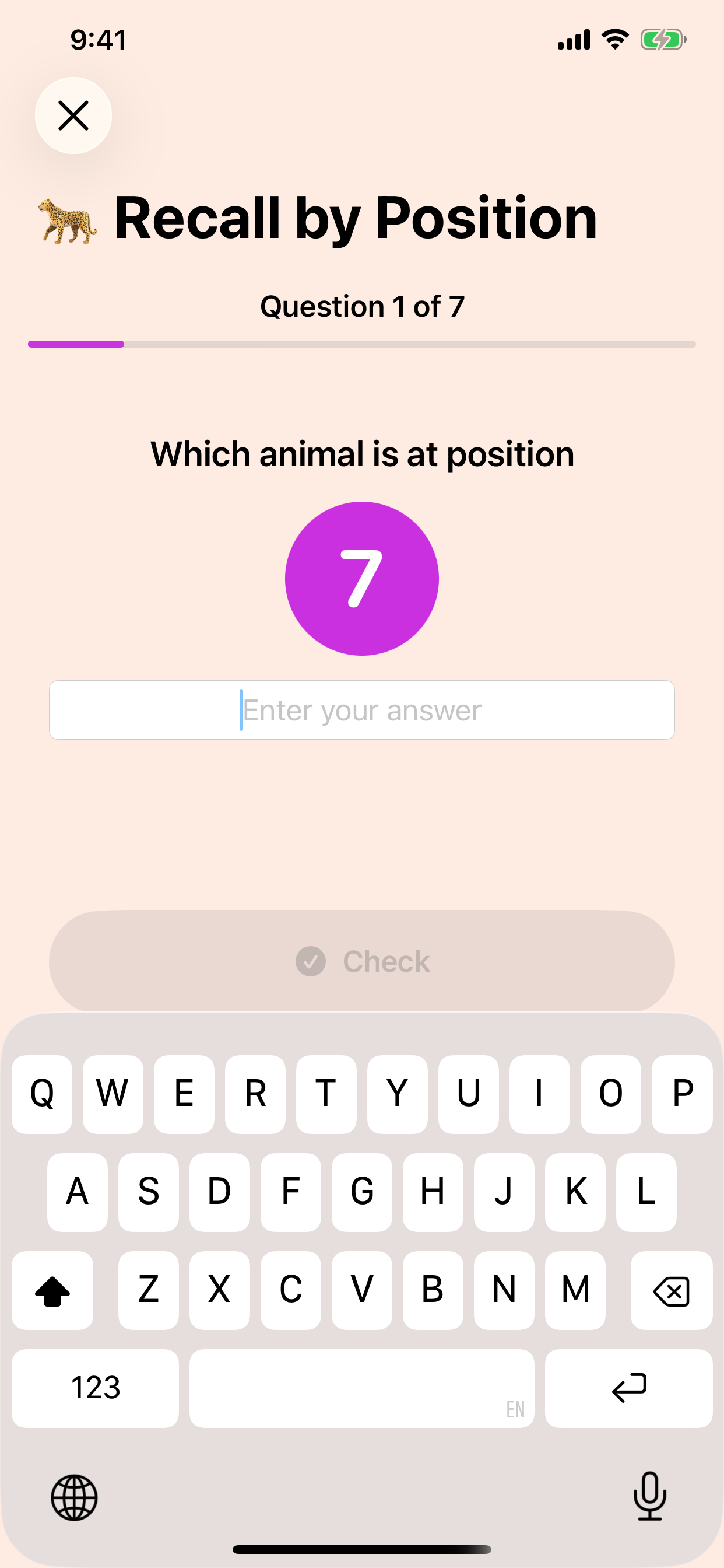
Enter every item in order and check the entire list when you are ready.
Identify the item at each randomized position and review missed answers as you go.
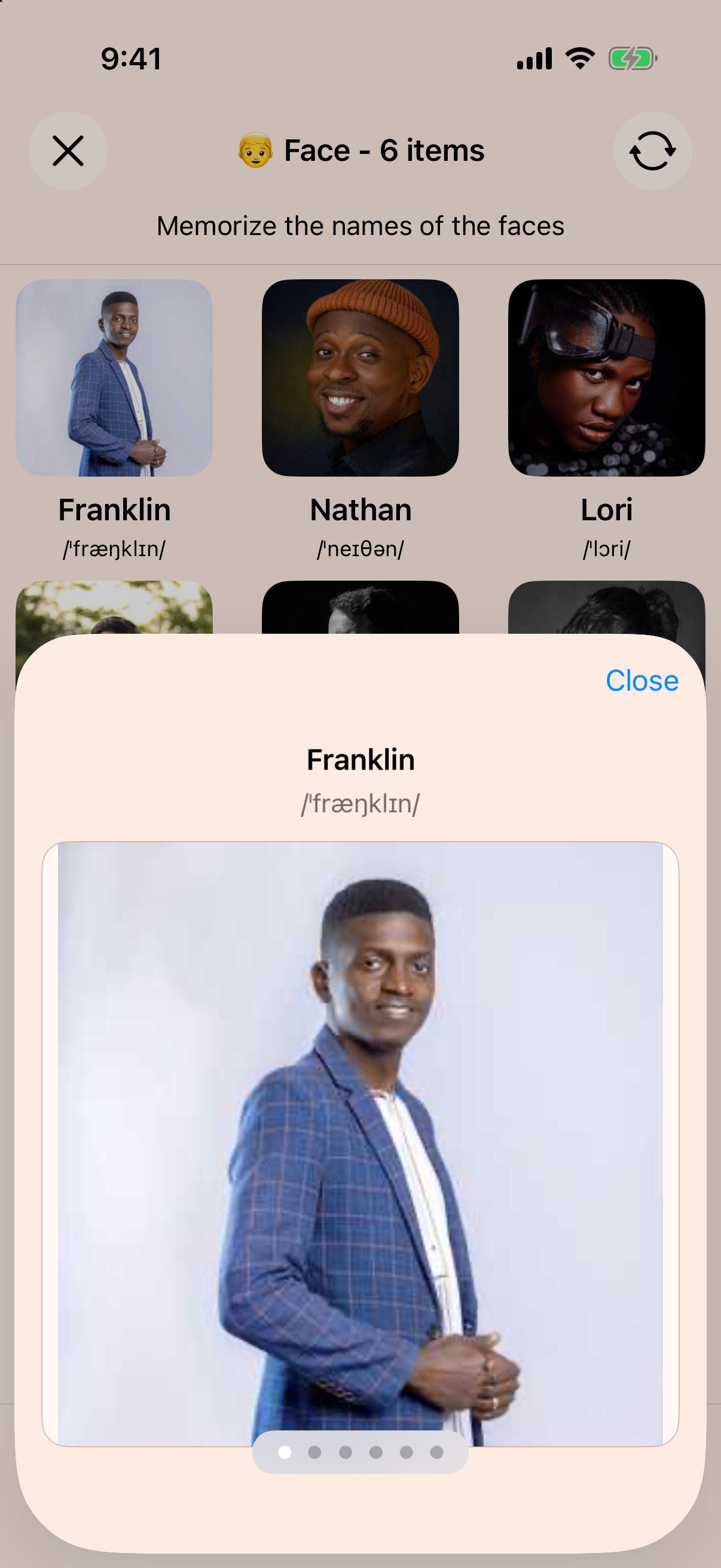
Swipe through faces, use IPA pronunciation guides, and shuffle names when you want a fresh recognition challenge.
Complete your highest unlocked level correctly and the next list length becomes available automatically.
A fresh visual challenge
View each name with its IPA pronunciation, swipe through larger previews, and shuffle the assigned names after you know the original set. Names remain appropriately matched.

Ready when you are
Practice on iPhone, iPad, Mac with Apple silicon, and Apple Vision Pro. Version 2.4 adds flexible timed study sessions and a smoother path from studying to testing.